









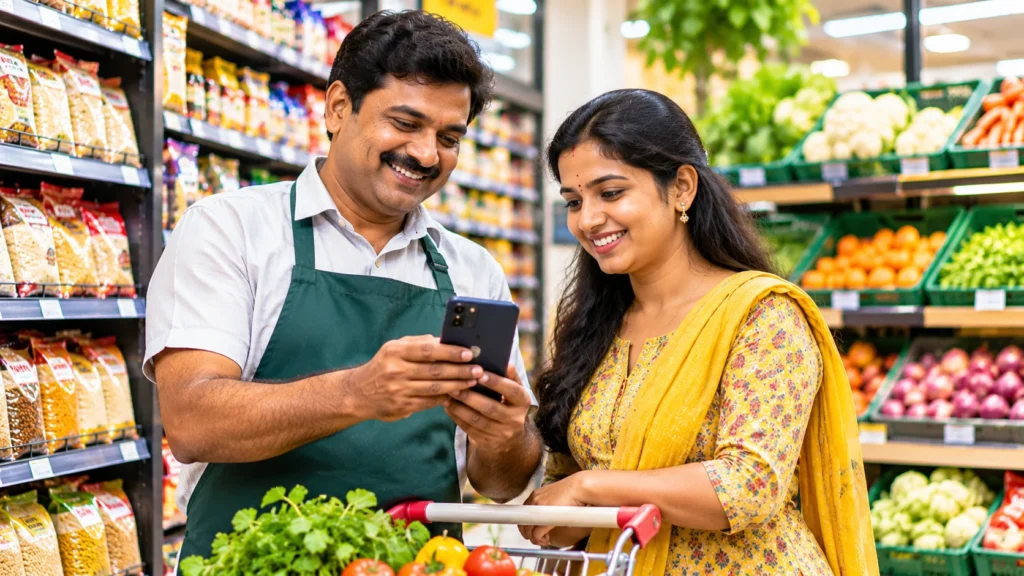
You can get your Grocery Store or Supermarket ready for TokoGen by arranging your business details, selecting an appropriate category, displaying the products you sell, and checking your contact and location information.
Whether you manage a neighborhood kirana shop, a supply store or a major supermarket, clients need to discover your business easily. They can be looking for grains, vegetables, milk, cooking oil or other daily staples without knowing what stores are available nearby.
I propose starting with an authentic digital business profile that defines what your shop offers and how clients may contact you.
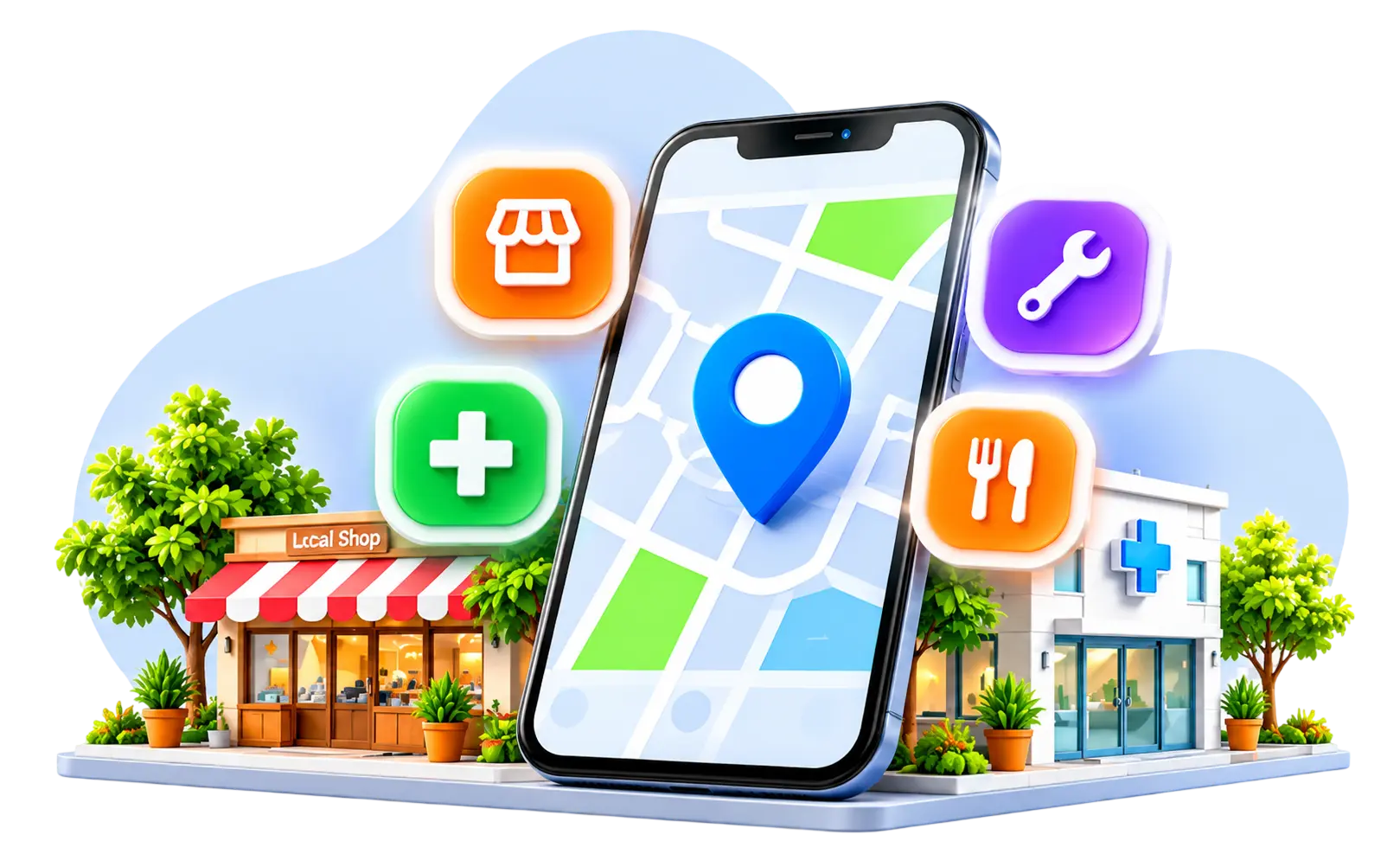
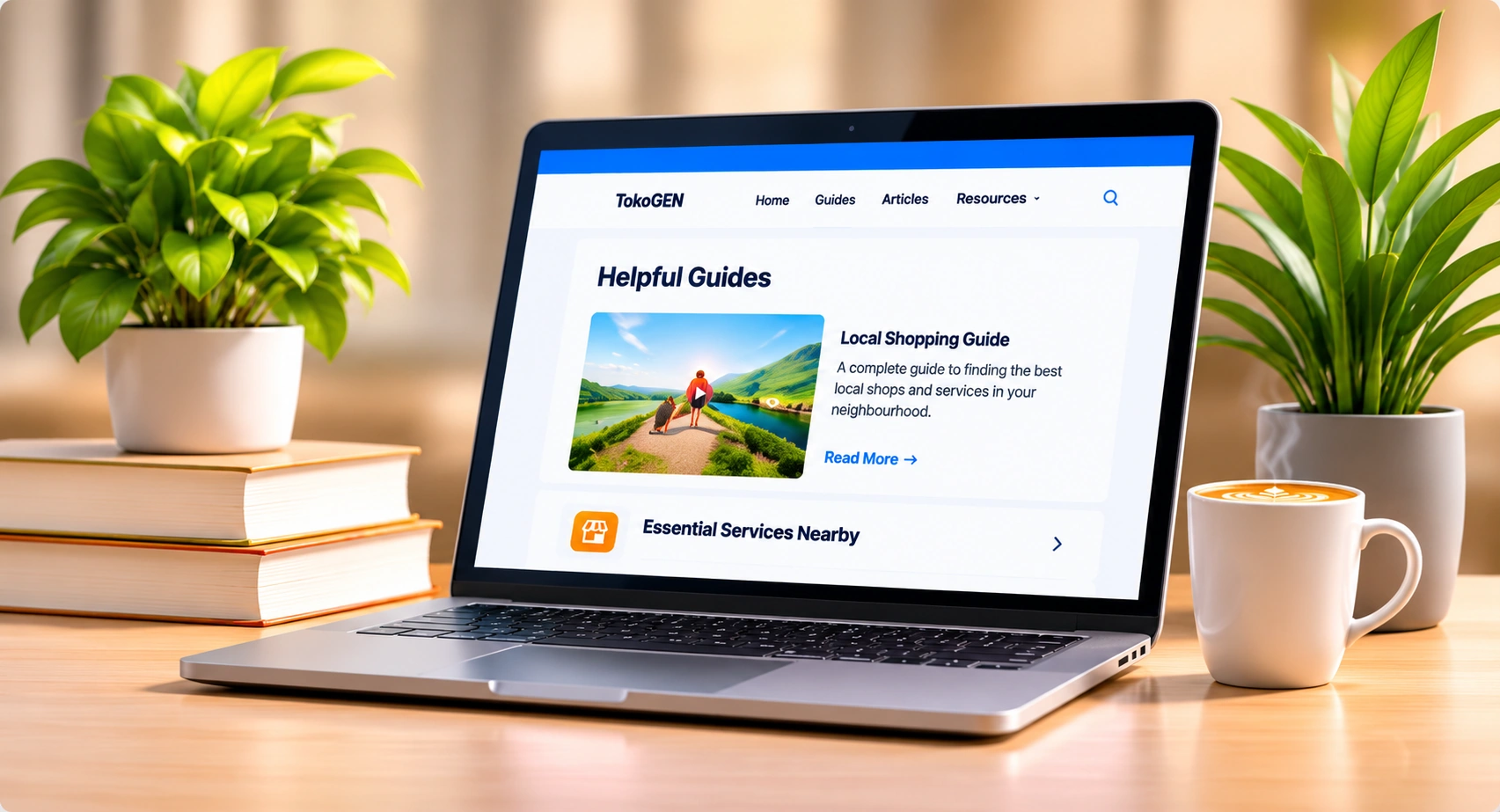
TokoGen introduces the neighborhood discovery experience with food shops and everyday products. Its website also showcases a company onboarding route to add shops and other local services.
This manual will show you how grocery merchants should prepare their listing information, follow the planned TokoGen setup process and make their profiles more relevant to local customers.
Why Should You List Your Grocery Store or Supermarket Online?
An online listing can make your grocery business easier to discover beyond regular walk-in customers.
Someone who recently moved into your neighbourhood might not know which shop sells daily essentials. Another customer might want to confirm whether a store has a particular grocery product.
A useful business profile helps answer those questions.
What Are the Main Benefits?
- Customers can learn about your grocery shop.
- Shoppers can identify available product categories.
- People can find your location and contact details.
- Customers can enquire about stock and collection options.
- Your business can establish a basic digital presence without immediately building a separate website.
I recommend focusing on clear information rather than assuming a listing automatically guarantees sales.
Quick Takeaway: An online grocery listing helps interested customers discover and evaluate your store. Accurate product categories, contact information and location details make the profile more useful.
What Is TokoGen and How Does It Support Grocery Store Discovery?
TokoGen is touted as a neighborhood discovery platform that links users with local stores, products and services.
Its webpage lists examples of what to purchase for, including groceries and daily basics. It also includes visiting local stores, seeing what products are available, and looking at collection or delivery alternatives.
Connect Local
How does the experience work?
The site starts a journey where the consumer chooses a neighborhood and browses stores and related business information.
For shop owners, TokoGen offers a flow to set up the business including details, optional connections, profile review and a business workspace.
However, the public website clearly says that some shopping and ordering activities are previews and not transactions executed on that landing page.
I would recommend reviewing what functions are live in the app before relying on online orders, payment processing or inventory management.
Quick Take: TokoGen’s experience are to help the discovery of neighborhood groceries and business information. The website outlines business onboarding and purchasing journeys, however operational feature availability should be validated in the existing app.
What Details Should You Prepare Before Creating a Grocery Store Listing?
A complete listing begins with accurate business information.
I recommend gathering everything before opening the registration journey.
Grocery Store Listing Checklist Business preparation checklist
0 of 10 ready Official shop name
Grocery or supermarket category Complete shop address and map location
Working phone number Business opening and closing hours
Short business description Real storefront photograph
Interior and product photographs Main product categories
Actual pickup or delivery options, where offeredCopy checklist
Why Are Accurate Details Important?
Incorrect store hours, phone numbers or map locations can frustrate customers.
Product information should also reflect what you actually stock rather than every product your category could theoretically offer.
Quick Takeaway: Preparing business details in advance makes the listing process easier. Correct information helps customers understand your store and reduces unnecessary enquiries.
How Can You List Your Grocery Store or Supermarket on TokoGen?
The current homepage of TokoGen provides an account of the business journey with business facts, optional account connections, review, and dashboard stages.
The stages below combine the published journey with practical tips on preparation. They are not a verified live button label sequence.
Step 1: Go to TokoGen
Go to tokogen .com and look at the business info page. Use the existing business registration option or app trip.
Step 2: Fill up Your Shop Details
Get your real store name, address, business description, phone number, and hours ready. Fill in the supported fields.
Canadian Indian Grocery Essentials: Shopping Guide on a Budget | Abroad saathi
Step 3: Choose Relevant Categories
Select Grocery & Daily Essentials, Grocery Store, Supermarket or the nearest supported category, depending on what your business actually is and what choices are available.
Step 4: Add Products and Pictures
Upload real photographs and discuss relevant products where supported. Make sure that the prices, units and stocks are correct.
Step 5: Review and Finish the Available Setup
Be sure to review all details and complete any confirmation, verification or account connection requirements provided. The site lists a dashboard stage, but you should check if that is part of the live experience.
I advise you to open the finished profile as a client to verify that the information is displayed correctly and clearly.
Quick Takeaway: TokoGen provides a journey of a business establishment with specifics, optional connections, review and access to workspace. Check the real app prompts and verify current functionality before thinking the listing is public or taking online orders.
Which Grocery Categories and Products Should You Add?
Customers often look for a particular grocery item or product group.
I suggest organising your store information around the products that shoppers are most likely to request.
| Product category | Examples |
| Rice and grains | Rice, wheat, millets |
| Pulses and dals | Toor dal, moong dal, chana |
| Cooking essentials | Oil, salt, sugar, flour |
| Fruits and vegetables | Fresh seasonal produce |
| Dairy products | Milk, curd, paneer |
| Snacks and beverages | Biscuits, tea, coffee, juices |
| Spices and dry fruits | Masalas, nuts, dried fruits |
| Household essentials | Cleaning and daily-use supplies |
How Should You Describe Products?
Use short, accurate names and important details such as brand, pack size, weight or variety.
If you sell several rice varieties, explain the actual types available instead of listing them all as simply “Rice.”
Quick Takeaway: Clear grocery categories help customers understand your store’s range. Product descriptions should prioritise genuinely available items and meaningful purchasing details.
How Can You Make Your Grocery Store Profile More Attractive?
A grocery store profile should look inviting while accurately representing the shop.
Use Bright, Genuine Photographs
A clean storefront image helps customers recognise the business.
Interior photographs can highlight organised shelves, produce displays and major product sections.
Write a Simple Shop Description
For example:
We are a neighbourhood grocery store offering rice, dals, spices, packaged foods, snacks, household essentials and other everyday products. Visit our shop or contact us to check availability.
Keep Information Current
Update contact details and opening hours when they change. Where supported, maintain product descriptions and offers.
Quick Takeaway: Attractive photographs and clear descriptions make a grocery profile easier to understand. Genuine images and accurate information matter more than excessive decoration.
How Can You Improve Your Grocery Store’s Local Online Visibility?
You should examine TokoGen in conjunction with other relevant discovery and communication channels.
One well-known solution for qualifying physical stores is Google Business Profile.
Google suggests choosing the category that best describes the business. Its official examples differentiate grocery shops from other sorts of businesses and indicate why additional categories may be useful.
Google Business Profile Support
Maintain consistency between your real business profiles and the information on your store.
Other essential acts include publishing precise opening times, providing store instructions and responding to product queries.
Quick Take: Consistent business information and suitable categories help local visibility. Many correct discovery channels can compliment each other, but none can guaranty customer visits.
Can You List a Grocery Shop Online Without Having a Website?
Yes. The right business listing services allow grocery businesses to get an internet presence without having to develop a standalone website initially.
A business profile can include helpful details such as location, classifications, and contact information.
A website can be useful, though, if you want more control over your inventory, ordering, branding or customer information.
I would go with the channel that most easily fits your present business demands.
Quick Takeaway: You don’t necessarily need a website to get basic internet discovery. A good business listing can be a helpful starting point, but more sophisticated activities may require additional tools.
How Can You Convert Online Grocery Enquiries Into Store Visits?
Customers who travel frequently want to know if an essential item is available.
I’d urge you make product inquiries painless to deal with.
Check Availability
Verify requested item, pack size and number before verifying stock.
Fair pricing
Please quote price and also quote whether there are collection or delivery fees.
Share Directions to Store
Make sure your location is accurate and your hours of operation are up to date.
Explain Collection or Delivery
Only advertize the pickup or delivery options that you are able to fulfilll from your store.
Quick Takeaway: 1. If you have good communication and accurate stock information, visits to the store can be valuable. Customers should not have to travel unnecessarily due to out of date product details.
What Common Mistakes Should Grocery Store Owners Avoid?
Common mistakes include:
- Incorrect shop names or locations.
- Using an unrelated business category.
- Uploading blurry or misleading photographs.
- Displaying unavailable products as in stock.
- Publishing outdated prices or offers.
- Providing incorrect opening hours.
- Ignoring enquiries.
- Assuming preview features are fully operational.
- Creating misleading duplicate listings.
I recommend regularly reviewing your store information.
Quick Takeaway: Accurate listings reduce customer confusion and help build trust. A simple, well-maintained grocery profile is more useful than an elaborate listing filled with incorrect details.
How Can You Improve Your Grocery Store Listing in Seven Days?
| Day | Action |
| Day 1 | Collect shop name, address, hours and contact details |
| Day 2 | Organise main grocery categories |
| Day 3 | Take storefront and product photographs |
| Day 4 | Write a clear business description |
| Day 5 | Explore TokoGen’s available business setup journey |
| Day 6 | Review the profile and complete supported verification steps |
| Day 7 | Check the published listing, if available, and correct missing information |
I suggest measuring relevant enquiries and customer feedback after the profile becomes discoverable.
Quick Takeaway: A seven-day preparation plan helps grocery owners organise the essential information needed for an online profile. Final publishing and review depend on the currently available platform features.
Frequently asked questions
How can I add my food shop to TokoGen?
Register for business onboarding via the TokoGen website or supported app. Gather your shop name, category, location, photos and contact information. I would encourage you to try the steps to determine if the business profile has been published successfully.
Can I add my supermarket to TokoGen?
TokoGen has released experience on grocery shopping and local store discovery. Supermarket proprietors have the option of looking into the various company registration and category possibilities. I would check the particular category of supermarket is supported before submitting a listing.
Is it free to list my grocery store on TokoGen?
The webpage has a start-free invitation, but does not state that each listing, product or sophisticated business function is free. Check current plans, eligibility and costs if applicable before selecting an option at the time of registration.
Do I need a website to sell my grocery store?
TokoGen’s public business journey does not include a separate business website as a must. I would suggest starting with proper shop information and reviewing the existing registration fields. Website links, where available, are helpful, but not to be faked.
Can people order goods in TokoGen?
TokoGen's public website displays prospective Shopping, Basket, Collection and Delivery trips. It also clarifies that the landing landing page itself doesn’t handle orders or payments. Before introducing online ordering to your customers, I would suggest looking at the actual transaction capabilities of the present app.