



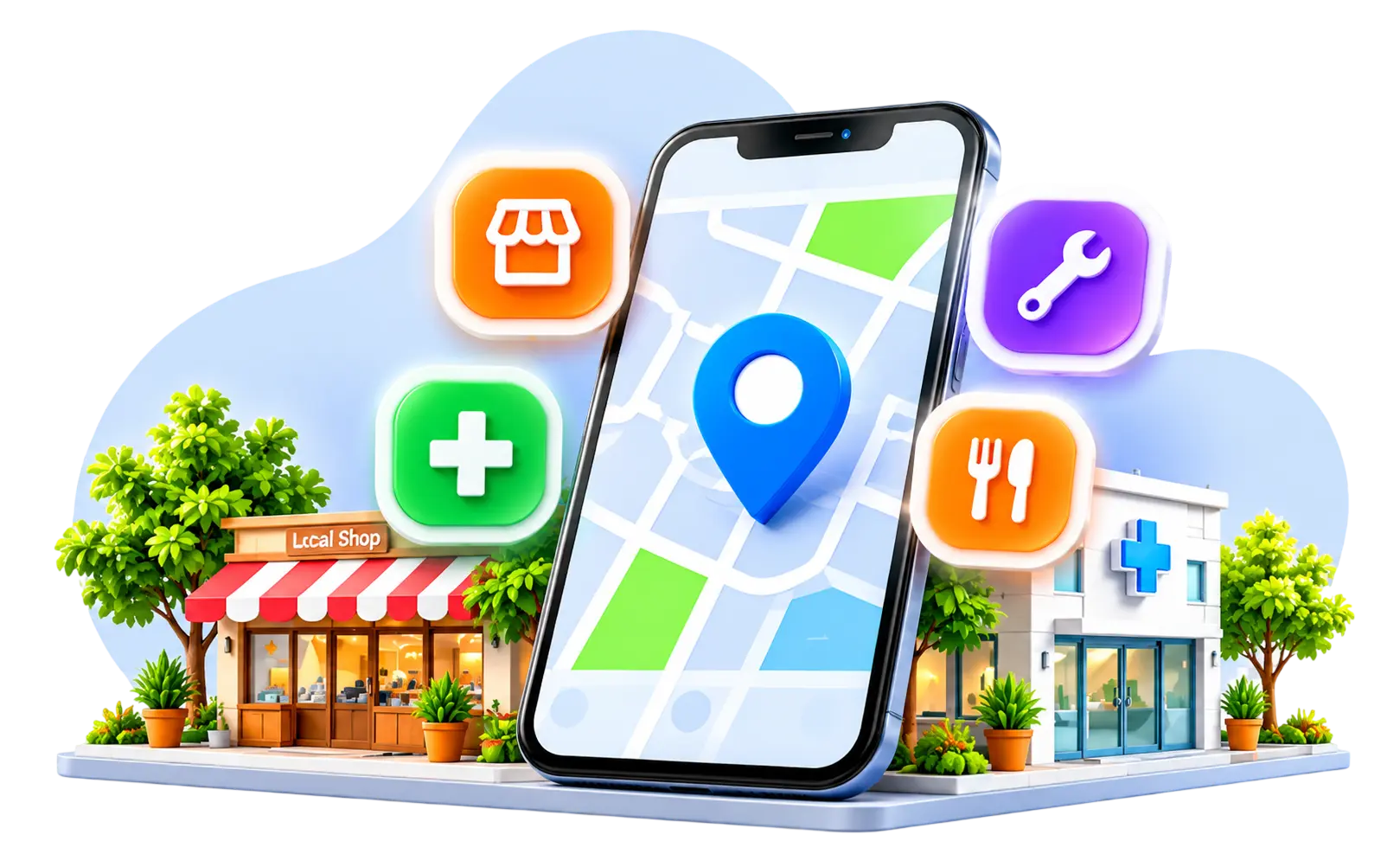




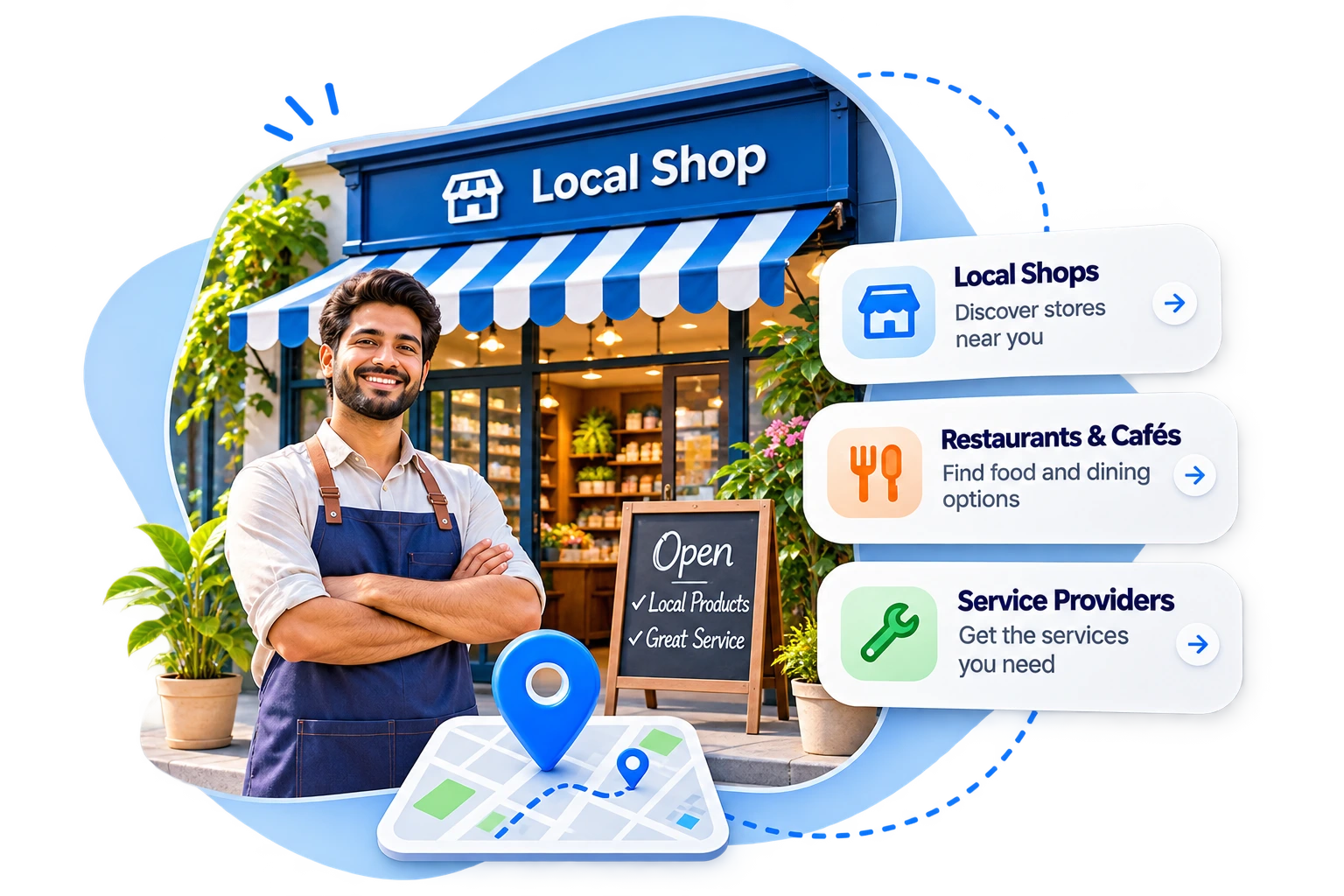



A Digital Business Profile helps customers discover what your business offers, find your location and contact you through convenient channels such as phone calls, messaging or website enquiries.
Many small business owners focus on selling quality products and providing good services but overlook how customers find their businesses online.
A potential customer may want to know whether a shop is open, what products are available, where it is located or how to request an appointment. If this information is missing, the customer may choose another provider.
I recommend creating a clear, accurate and regularly updated business profile. Platforms such as TokoGen help people explore nearby shops and services through business information and local discovery.
In this guide, I explain how to build a useful profile that encourages meaningful customer enquiries.
What Is a Digital Business Profile and Why Does It Matter?
A Digital Business Profile is an online presentation of essential information about a business.
It may appear on a business discovery platform, Google Search, Google Maps or another suitable digital directory.
A profile typically explains what the business offers, where it operates and how interested customers can get in touch.
Why Is It Useful for Small Businesses?
An informative profile can help customers:
- Understand available products or services.
- Find the business location or service area.
- Check opening hours.
- View genuine photographs.
- Contact the business directly.
- Decide whether to visit or make an enquiry.
For example, someone searching for a nearby tailoring shop may prefer a profile that displays services, location, working hours and a working phone number.
Quick Takeaway: A digital business profile makes essential business information accessible in one place. Its main purpose is to help potential customers understand the business and take an appropriate next step.
What Information Should a Digital Business Profile Include?
A useful profile should answer common questions without requiring customers to contact the business for every detail.
I recommend beginning with accurate, practical information.
Essential Business Profile Checklist
| Information | Why it matters |
| Business name | Helps customers recognise the business |
| Primary category | Explains the main type of business |
| Description | Summarises products and services |
| Address or service area | Helps customers identify the location |
| Opening hours | Shows when customers can visit or enquire |
| Phone number | Provides direct contact |
| WhatsApp or messaging option | Supports convenient enquiries |
| Product and service details | Helps customers evaluate offerings |
| Genuine photographs | Shows what customers can expect |
| Website or relevant social links | Provides additional information |
Keep Business Details Consistent
The business name, address and phone number should be accurate wherever they appear.
I suggest reviewing details whenever the shop relocates, changes its working hours or updates its contact number.
For home-based businesses, use only address information appropriate for public display and the platform’s eligibility rules.
Quick Takeaway: Complete profiles communicate the business’s identity, offerings, location and contact methods. Consistency helps prevent confusion when customers discover the same business through different channels.
How Can I Create a Digital Business Profile Step by Step?
Creating a useful profile does not necessarily require technical expertise or a dedicated website.
The exact process varies between platforms, but I recommend following these steps.
Step 1: Choose a Suitable Platform
Select a platform relevant to your customers and business type.
For example, eligible businesses can create a Google Business Profile for Search and Maps. Businesses can also explore local discovery platforms such as TokoGen.
Step 2: Enter Your Business Details
Use the actual business name, select the most relevant category and provide the correct location or service area.
Avoid adding promotional keywords to the official business name.
Step 3: Add Products and Services
List the most important offerings using simple descriptions.
A salon might mention haircuts, grooming and available appointments, while a grocery shop could highlight everyday essentials and ordering arrangements.
Step 4: Add Contact Methods
Enter a working phone number, relevant messaging link and website address where supported.
Step 5: Upload Clear Photographs
Use genuine pictures that show the business accurately.
Step 6: Verify and Review the Profile
Complete any required verification process, then inspect the published information.
Google requires eligible businesses to verify their Business Profile to manage business information and interact with customers through supported features.
Google Business Profile Help
Quick Takeaway: Creating a digital business profile involves choosing a platform, adding accurate details, describing offerings, enabling contact methods and reviewing the completed listing. Platform-specific verification should be completed when required.
How Can I Make It Easy for Customers to Contact My Business?
A profile may receive attention without generating enquiries if customers cannot easily find a working contact method.
I recommend treating contact convenience as one of the most important parts of the profile.
Offer Suitable Contact Options
Depending on the platform and business, customers may benefit from:
- A direct phone number.
- A WhatsApp or messaging link.
- Store directions.
- An appointment or enquiry link.
- An official website contact page.
A clinic may prefer appointment enquiries, while a grocery shop might benefit from phone and messaging options.
Use Direct Messaging Where Supported
Eligible verified Google Business Profiles may provide WhatsApp or text messaging options in supported regions.
Google Business Profile Help
Business owners should check whether the feature is available to them rather than assuming it appears on every profile.
Respond With Useful Information
Customers appreciate clear answers about service availability, pricing, operating hours and the next step.
I recommend setting realistic response expectations and avoiding automated replies that do not address the enquiry.
Quick Takeaway: Easy contact options reduce the effort customers need to make an enquiry. Working phone numbers, convenient messaging and accurate directions can make a profile more useful than attractive visuals alone.
How Can I Write an Effective Digital Business Profile Description?
A business description should explain what the business does in clear, natural language.
I recommend writing for customers rather than filling the description with search keywords.
Use a Simple Description Formula
Business type + Main offerings + Location or service area + Useful speciality
For example:
“We are a neighbourhood tailoring shop in Anna Nagar, Chennai, offering blouse stitching, clothing alterations and custom fitting services. Contact us to enquire about available services and timings.”
This is an illustrative description, not a real business listing.
Avoid Common Description Problems
Do not include unsupported claims such as being the best business in the city.
Avoid repeating keywords, listing services you do not provide or using outdated location information.
Google’s Business Profile description field allows up to 750 characters and has specific rules about promotional content, links and HTML. Other platforms may use different limits.
Google Business Profile Help
Quick Takeaway: An effective business description explains what customers can expect and where the business operates. Clear, accurate language is more helpful than repeated keywords or exaggerated promotional claims.
How Can Photos Make My Business Profile More Trustworthy?
Photographs allow customers to see a business before making contact.
I recommend using realistic, well-lit images that represent the actual premises, products or services.
Which Photos Should I Include?
A small business can consider photographs of its storefront, interior, products, equipment and working environment.
For example, a boutique may show clothing displays, while a bike service centre might show its actual workshop and service equipment.
Maintain Image Quality
Use sufficient lighting, clean backgrounds and accurate product colours.
Avoid excessive editing that changes how products or premises appear in reality.
Photographs containing customers or employees should be shared with appropriate permission.
Google also recommends relevant photographs and videos to help customers recognise a business and understand its offerings.
Google Business Profile Help
Quick Takeaway: Genuine photographs make business profiles more informative and recognisable. Accurate images can help customers understand what they will find before visiting or enquiring.
How Can I Improve My Digital Business Profile’s Local Visibility?
A complete business profile is useful, but it also needs to remain relevant and current.
Keep Information Updated
Review your business details when opening hours, services, products or contact information change.
Choose Relevant Categories
Select the category that best describes your main business activity.
Avoid adding unrelated categories simply to appear in additional searches.
Include Genuine Location Information
Mention your actual location or service area naturally in relevant profile fields.
Do not claim to operate in places where the business has no legitimate presence.
Encourage Honest Customer Feedback
Reviews can help new customers understand previous experiences.
Ask for genuine feedback and respond professionally without offering incentives specifically for positive ratings.
Connect Related Business Channels
Where supported, include a website or relevant social media links that provide consistent information.
Quick Takeaway: Local visibility benefits from relevant, accurate and updated business information. Profile completeness is useful, but it does not guarantee a particular search ranking or number of enquiries.
What Mistakes Should I Avoid When Creating a Digital Business Profile?
A profile can become less useful when it contains incomplete or misleading details.
I recommend avoiding these mistakes:
- Incorrect contact numbers: Customers cannot reach the business.
- Missing opening hours: Visitors may arrive when the shop is closed.
- Unclear descriptions: Customers cannot identify available products or services.
- Unrelated categories: The listing may confuse potential customers.
- Misleading photographs: Customers may develop inaccurate expectations.
- Unanswered enquiries: Potential opportunities may be lost.
- Outdated prices or offerings: Customers may receive incorrect information.
- Duplicate or misleading listings: These can cause confusion and may violate platform policies.
I suggest checking the profile from a customer’s perspective on a smartphone.
Quick Takeaway: Accurate information and reliable communication are essential for a useful business profile. Reviewing the listing regularly helps prevent avoidable customer frustration.
How Can I Measure Whether My Digital Business Profile Is Working?
The value of a profile should not be measured by views alone.
I recommend tracking whether interested customers successfully contact the business.
Monitor Useful Performance Indicators
| Metric | What it helps measure |
| Profile views | How often people see the listing |
| Contact clicks | Interest in reaching the business |
| Phone enquiries | Customers calling for information |
| Messaging enquiries | Customers using available chat options |
| Direction requests | Interest in visiting the location |
| Confirmed orders or appointments | Business outcomes from enquiries |
Not every platform provides all these metrics.
Calculate Enquiry Conversion
For example, if a business receives 40 enquiries and 10 become confirmed orders, the illustrative enquiry-to-order conversion rate is 25%.
I suggest using a simple record to track how customers discovered the business, while collecting only necessary information.
Quick Takeaway: A useful profile should make it easier for potential customers to become actual customers. Enquiries, completed orders and appointments provide more meaningful performance information than views alone.
Frequently asked questions
What is a Digital Business Profile?
A Digital Business Profile is an online listing or page containing important business information, such as products, services, location, working hours and contact methods. I recommend treating it as a simple introduction that helps prospective customers decide whether to contact or visit the business.
Can I create a digital business profile without a website?
Yes. Many business directories and discovery platforms support profiles without requiring a dedicated website. I suggest starting with accurate contact information and useful service descriptions. A website may become valuable later if the business needs detailed content, booking features or additional customer resources.
How can I add WhatsApp contact to my business profile?
You can add a WhatsApp contact method when the selected platform supports it. Some eligible Google Business Profiles allow direct WhatsApp messaging. I recommend checking platform settings, using the correct business number and testing the link before sharing it publicly.
What should I write in my business profile description?
Explain the main products or services, the business category, location and relevant specialities. I recommend using simple language that answers customer questions. Avoid exaggerated claims, unrelated keywords and information that may soon become outdated.
How often should I update my digital business profile?
Update the profile whenever important business details change. I suggest reviewing contact numbers, operating hours, available services and photographs regularly. Seasonal changes and holidays may require additional updates to prevent customers from receiving incorrect information.